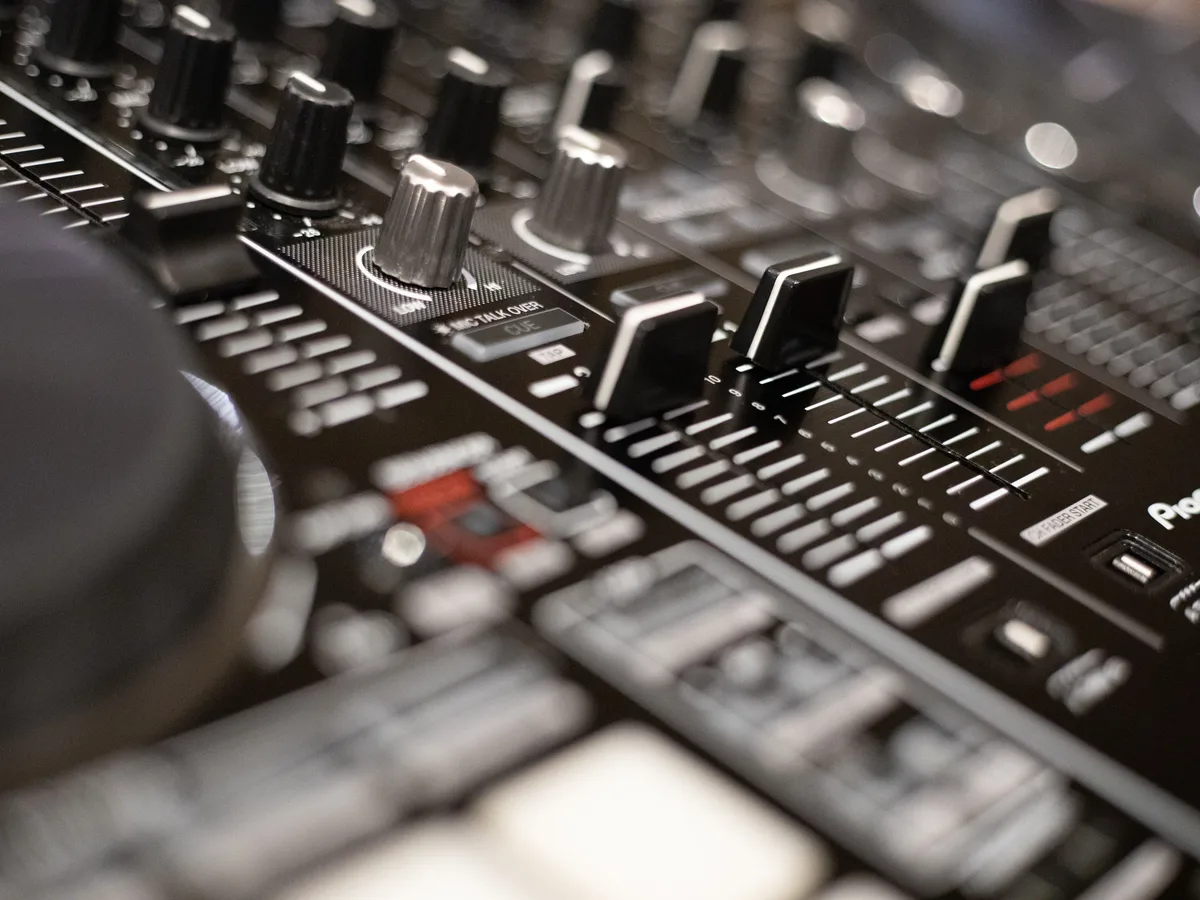
Your free DJ website can share your musical world while explaining your service. Weddings, private parties or corporate events: present the occasions and formats that suit you.
Your profession is filled in. Your difference is yours to tell.
Event types, musical styles, area, equipment supplied, event preparation and links to excerpts you have permission to share.
These examples are here to guide you. Only the information you enter is submitted to create your website.
The free offer includes four content pages, plus contact and legal pages, on a Site Gratos subdomain with its banner. You can edit your content from your account. Connecting a personal domain and removing the banner are part of the Premium offer.
01
Present an experience, not a universal playlist
Talk about the audiences and atmospheres you work with. A drinks reception and a dance party need different energy. Your examples convey your sensibility without implying every event follows the same programme.
02
Make the service concrete
Sound, lighting, installation and timings may be part of the offer, but are not necessarily all included. Describe your scope and preparation with the organiser. First contact should establish the date, venue and format.
03
Share excerpts thoughtfully
Links to mixes or videos can enrich your website if you hold the necessary rights. Explain their context. A stock photo of a crowd should not be presented as an event you performed at.
From your brief to a website that reflects you
Your business provides the substance. Your style sets the tone.
A rhythmic identity, a confident palette and selected images from your events. Excerpts should play on request, never automatically when the page opens.
Describe your actual services and area.
Add your logo if you have one.
Review the proposal and personalise text and images from your account.
Useful answers
Before you get started.
Can the website play my mix?
You can request a link to a platform or authorised content. Playback should not start automatically for visitors.
Can visitors check an available date?
The form sends the request; you confirm availability, unless you already use a booking tool that can be linked.
Your project starts here
Create your dj website.
Start with your information, not prefilled text. You can also provide the URL of an existing website to redesign: the first version will still have four content pages, plus contact and legal pages.